

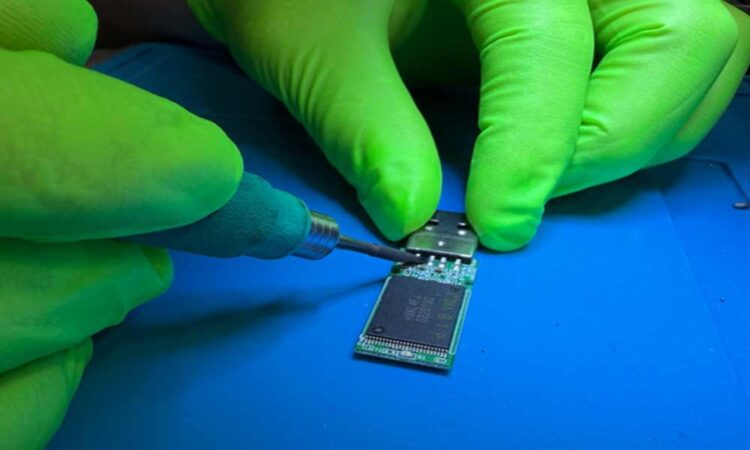

Flash drives or USB drives are popular for storing and transferring files like documents and photos. They are portable and convenient for both professional and personal use. But, accidental deletion of files from the drive is a common issue faced by users. With the right software, you can recover the deleted files quickly and safely.
Reasons behind the deletion of files in your flash drive
- Accidental deletion
- Virus or malware infection
- Improper removal of the drive
- File system corruption
- System crashes when transferring files
Based on the cause of your data loss, you can choose the right recovery technique.
Can you recover the files removed from your flash drive?
In most cases, deleted files and folders are recoverable. When you remove the file from the drive, it does not instantly get removed from the storage device. Until you overwrite the old files, your recovery tool will restore the files. The success in the recovery process depends on how promptly you take action.
What to do after deleting the files?
If you have noticed files missing from the flash drive, check for a few important steps.
Do not continue using the drive if you want to recover the lost files. New data can overwrite the deleted files. You should also safely remove the flash drive from the device to prevent further corruption. Use data recovery tools for your USB flash drives.
PandaOffice Drecov data recovery software is a reliable solution that helps you recover deleted files from flash drive. Insert the drive into your PC using a USB port and ensure that your system identifies it as a removable device.
The best software runs a deep scan process to find the lost or deleted files. This process involves analyzing your flash drive’s storage sectors. Most recovery applications enable you to preview files before retrieving them. It confirms that you have recovered the right files.
Conclusion
Recovering files from a flash drive is easy with a few clicks if you have chosen a third-party tool. However, the recovery process becomes challenging in case of physical damage to the drive.